
QR use case
Free Restaurant Menu QR Code Generator
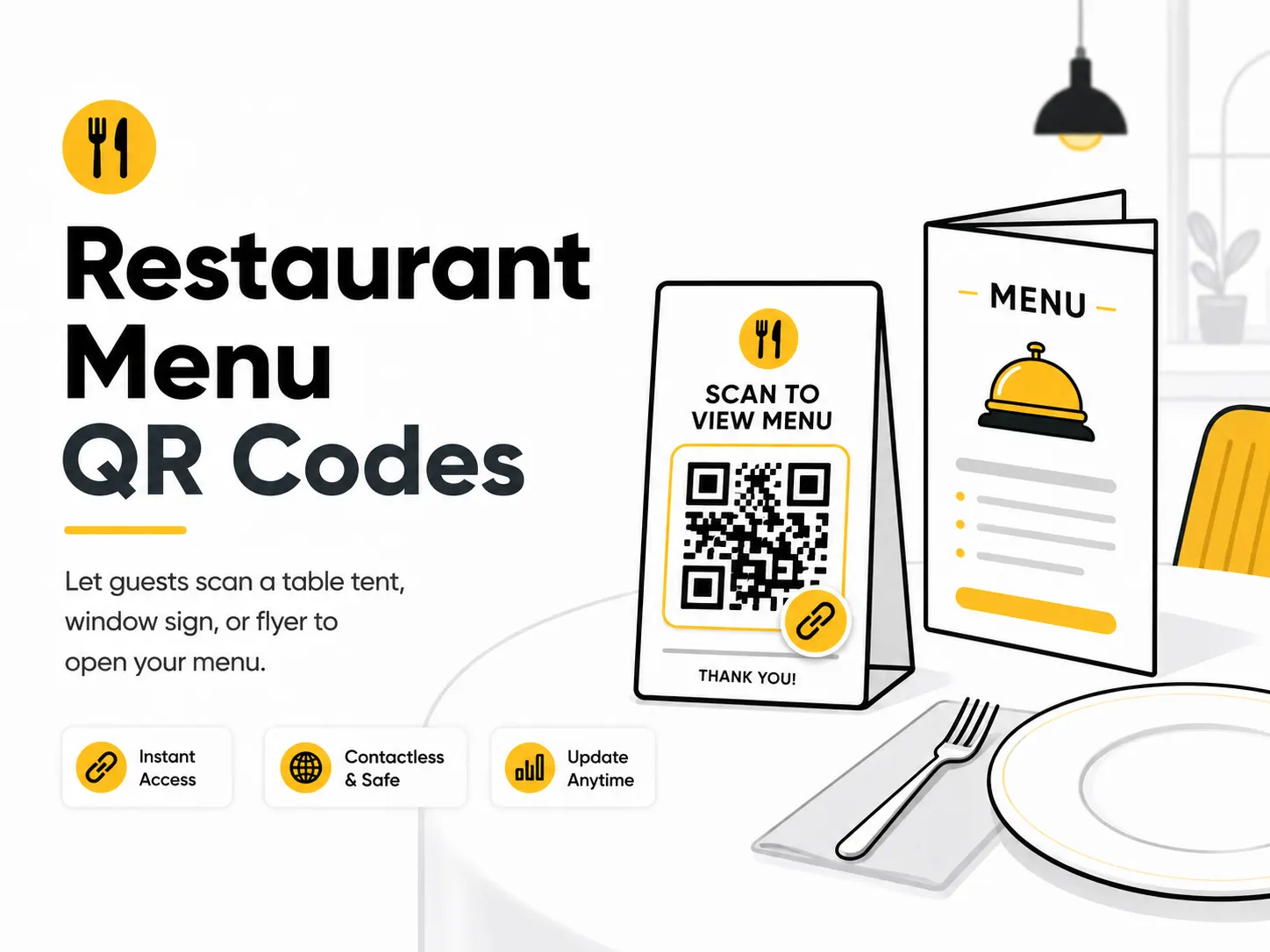
A restaurant menu QR code helps guests open your menu quickly without typing a link. It works well for table tents, takeaway packaging, window signs, delivery flyers, and event catering menus.
Quick answer
Use the free QR code generator for restaurant menu qr codes
Guests are seated, waiting, or looking through a window and need the current menu on a phone without handling a printed menu.
Use a mobile menu page whenever possible. A PDF can work if it is small, readable on phones, and publicly available.
Topic path
Menus and hospitality
Restaurant Menu QR Codes belongs to the menus and hospitality path because the code is usually scanned from table placement: 25-60 cm. window or wall placement: 1-2 m with a larger printed code. Use this cluster when the scan happens at a table, reception desk, room, counter, or waiting area. For this placement, read How to Create a QR Code for a Restaurant Menu and Best QR Code Size for Print, then check restaurant menu qr codes with Wi-Fi QR Sign Generator or QR Code Size Calculator.
Best QR content
Use a mobile menu page whenever possible. A PDF can work if it is small, readable on phones, and publicly available.
Best placement
Best on table tents, bar cards, host stands, window decals, receipts, takeaway bags, and hotel room cards.
Expected scan distance
Table placement: 25-60 cm. Window or wall placement: 1-2 m with a larger printed code.
Recommended generator setting
Choose Website URL for an HTML menu or PDF or Document URL for a hosted PDF menu.
Open with PDF or Document URLPractical examples
Print, contrast, and material risks
- Low restaurant lighting slows scans.
- Glossy lamination and spills create glare.
- Tiny table stickers fail when phones are held at an angle.
CTA text that fits this use case
- Scan for menu
- View allergens
- Order online
- See today's specials
- Open drinks list
- Scan for takeaway menu
Destination page checklist
- Current prices and availability.
- Allergen or dietary notes where appropriate.
- Mobile-readable sections.
- Language options if guests need them.
Before publishing
- Scan at a real table.
- Test under dim lighting.
- Open while logged out.
- Check allergen links.
- Verify menu updates keep the same URL.
Static QR fit, privacy, and measurement
Static is suitable when the QR points to a stable menu URL you control. Avoid static direct links to dated PDFs that may be replaced.
Do not surprise guests with unrelated tracking pages, downloads, or sign-in prompts before they can read the menu.
Use separate UTM URLs for table tents, windows, receipts, and takeaway bags if you control the menu page.
Menu, price, and allergen information should be reviewed by the restaurant before publication.
Print or screen specs
- Use high contrast.
- Use wipeable placement.
- Keep the QR away from folds, corners, and spill zones.
Accessibility note
Offer a short printed URL or staff assistance for guests who cannot scan. Keep menu text readable and not image-only.
How to create this QR code
- 1Open the free QR code generator and choose PDF or Document URL.
- 2Choose Website URL for an HTML menu or PDF or Document URL for a hosted PDF menu.
- 3Customize the foreground color, background color, size, margin, and error correction level if needed.
- 4Download the QR code as PNG or SVG.
- 5Scan the finished QR code on a phone before using it in print or sharing it publicly.
Best practices
- Use a menu page that loads quickly on mobile.
- Keep the printed code away from spills and glare.
- Use a URL you control so menu updates are easier.
Common mistakes
- Uploading a large PDF that is slow on mobile.
- Linking to a file that requires a login.
- Changing the menu URL after printing a static QR code.
Ready to make one?
When your destination is ready, open the generator, choose PDF or Document URL, and test the finished code before using it in public.
Frequently Asked Questions
Is a menu page better than a PDF?
Usually yes. A web page is easier to read on phones and easier to update, while a PDF needs careful mobile formatting.
Where should a restaurant menu QR code go?
Place it where guests pause: table tents, host stands, windows, receipts, takeaway bags, or room cards.
How do I create restaurant menu qr codes?
Open the free QR code generator, choose PDF or Document URL, enter the public URL for your menu page or hosted PDF, customize the design if needed, then download the QR code as PNG or SVG.
What should a restaurant menu qr code link to?
Use the destination that matches the scan moment. Good options include place a menu qr code on each table, add a seasonal menu qr code to a window display, link takeout bags to ordering or allergen information.
Is this restaurant menu qr code maker free?
Yes. QR For Everyone is a free QR code maker for static QR codes, including restaurant menu qr codes, with PNG, SVG, WEBP, and JPG export options.
Can I use restaurant menu qr codes for business?
Yes. QR For Everyone can be used for personal, nonprofit, educational, and business projects. You are responsible for the content and links you encode.
Can I edit the QR code after printing?
This tool currently creates static QR codes. A static QR code cannot be edited after printing, so use a destination URL you control if the content may change later.