
QR use case
Free Poster QR Code Generator
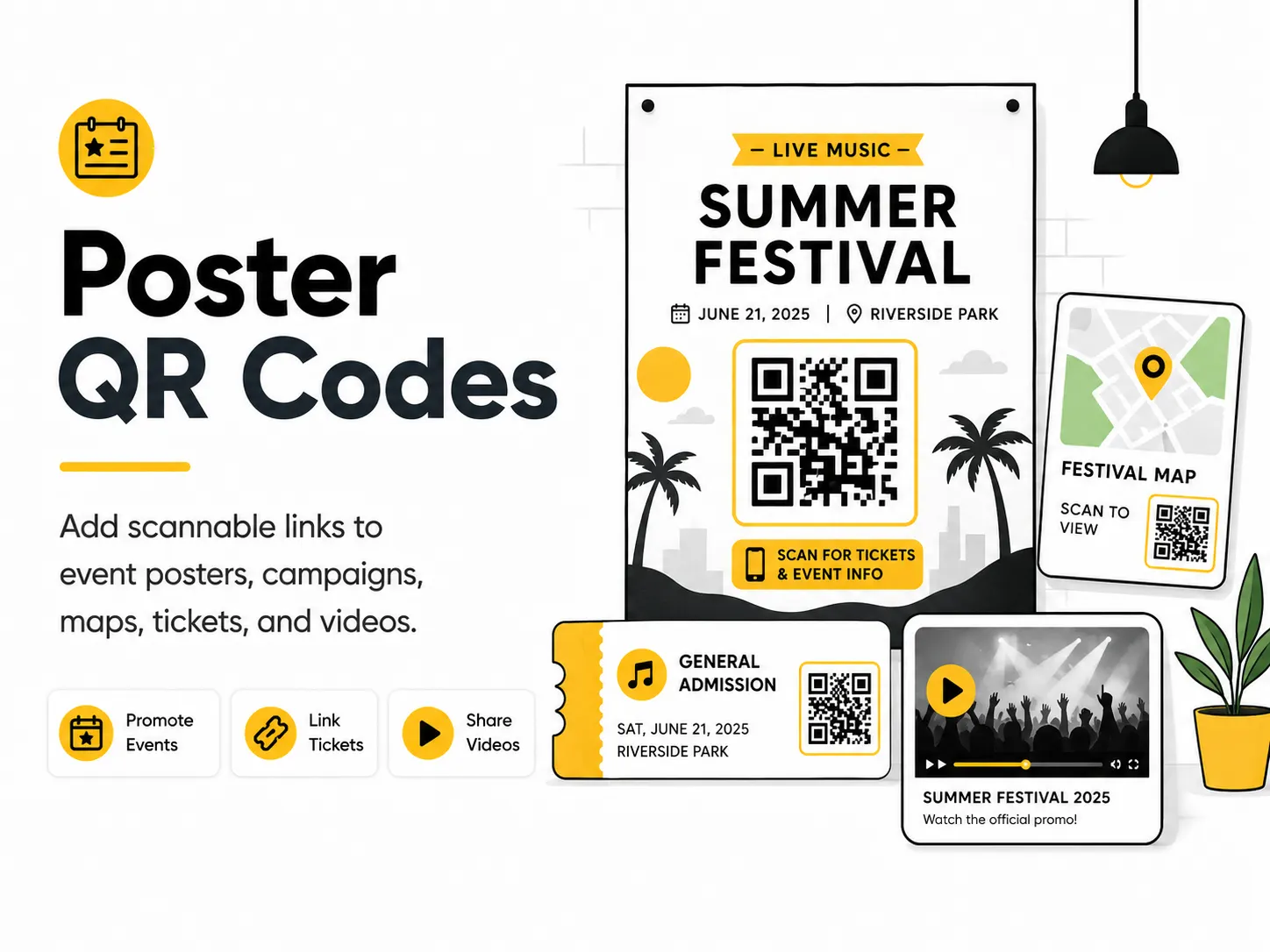
A poster QR code needs to scan from farther away than a business card or flyer. The right size, contrast, and placement matter as much as the destination.
Quick answer
Use the free QR code generator for poster qr codes
A viewer notices a poster from a distance and needs a fast way to open tickets, maps, details, videos, or campaign pages.
Use a ticket page, event page, map, campaign page, video, or product page that matches the poster headline.
Topic path
Printing, size and contrast
Poster QR Codes belongs to the printing, size and contrast path because the code is usually scanned from commonly 1-3 m, sometimes farther in halls or windows. Use this cluster before ordering business cards, flyers, posters, stickers, packaging, menus, or signs. For this placement, read Best QR Code Size for Print and QR Code Design Best Practices, then check poster qr codes with QR Code Size Calculator or QR Code Contrast Checker.
Best QR content
Use a ticket page, event page, map, campaign page, video, or product page that matches the poster headline.
Best placement
Use bottom corners or a dedicated call-to-action area on wall posters, campus boards, windows, and event signage.
Expected scan distance
Commonly 1-3 m, sometimes farther in halls or windows.
Recommended generator setting
Choose Website URL for ticket, map, video, or campaign pages.
Open with Website URLPractical examples
Print, contrast, and material risks
- Small QR codes disappear on large posters.
- Glossy reflections block scans.
- Busy art behind the code hurts detection.
CTA text that fits this use case
- Scan for tickets
- Open event map
- Watch trailer
- View campaign
- Get directions
Destination page checklist
- Immediate confirmation of poster topic.
- Ticket/action above fold.
- Mobile-friendly details.
- Current date/location.
Before publishing
- Print a scale proof.
- Scan from real hallway distance.
- Test glare.
- Verify event status.
Static QR fit, privacy, and measurement
Static works for fixed events or campaigns, but use a URL you control if details may change.
Avoid ambiguous QR codes in public spaces; clearly label what opens to reduce phishing concerns.
Use UTM values by poster location or campaign flight when analytics are available.
Print or screen specs
- Use QR Size Calculator.
- Use high contrast.
- Keep the code in a visually quiet block.
Accessibility note
Print event URL, date, and location in text for people who cannot scan from distance.
How to create this QR code
- 1Open the free QR code generator and choose Website URL.
- 2Choose Website URL for ticket, map, video, or campaign pages.
- 3Customize the foreground color, background color, size, margin, and error correction level if needed.
- 4Download the QR code as PNG or SVG.
- 5Scan the finished QR code on a phone before using it in print or sharing it publicly.
Best practices
- Make the QR code large enough for the viewing distance.
- Keep the quiet zone clean.
- Use short supporting text so people know why to scan.
Common mistakes
- Printing a tiny code on a large poster.
- Placing the code near a busy image.
- Using glossy placement where reflections block scanning.
Ready to make one?
When your destination is ready, open the generator, choose Website URL, and test the finished code before using it in public.
Frequently Asked Questions
How large should a poster QR code be?
Base it on scan distance. Posters usually need much larger QR codes than flyers or cards.
Should poster QR codes be at the bottom?
Often yes, if the bottom area is reachable and not crowded. The key is visibility, quiet zone, and clear CTA.
How do I create poster qr codes?
Open the free QR code generator, choose Website URL, enter the page, form, map, ticket, video, or campaign URL, customize the design if needed, then download the QR code as PNG or SVG.
What should a poster qr code link to?
Use the destination that matches the scan moment. Good options include link a concert poster to ticket sales, send a campus poster to a map, connect a product poster to a demo video.
Is this poster qr code maker free?
Yes. QR For Everyone is a free QR code maker for static QR codes, including poster qr codes, with PNG, SVG, WEBP, and JPG export options.
Can I use poster qr codes for business?
Yes. QR For Everyone can be used for personal, nonprofit, educational, and business projects. You are responsible for the content and links you encode.
Can I edit the QR code after printing?
This tool currently creates static QR codes. A static QR code cannot be edited after printing, so use a destination URL you control if the content may change later.