
QR use case
Free Event QR Code Generator
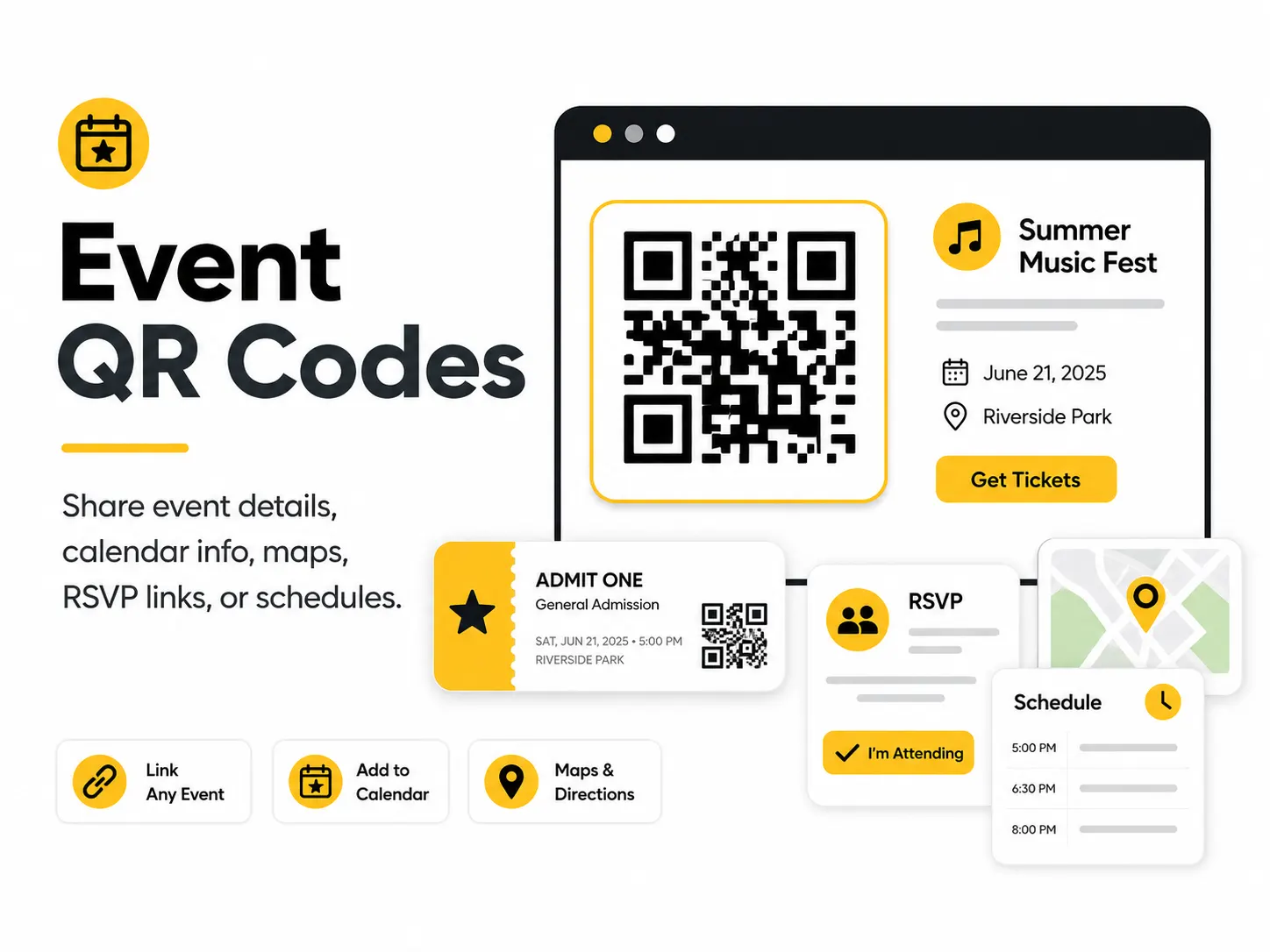
An event QR code helps people get the right details at the right moment. Use it on invitations, posters, tickets, welcome signs, agendas, or name badges.
Quick answer
Use the free QR code generator for event qr codes
Attendees need schedules, maps, tickets, calendar details, or live updates while moving through an event.
Use an event payload for calendar details or a Website URL for schedules, maps, registration, ticketing, and updates.
Topic path
Events and weddings
Event QR Codes belongs to the events and weddings path because the code is usually scanned from badges and agendas: 25-60 cm. posters and room signs: 1-3 m. Use this cluster when timing, crowd flow, venue placement, and day-of reliability are the main risks. For this placement, read How to Test a QR Code Before Printing and Best QR Code Size for Print, then check event qr codes with QR Code Size Calculator or QR Code Test Checklist.
Best QR content
Use an event payload for calendar details or a Website URL for schedules, maps, registration, ticketing, and updates.
Best placement
Use posters, badges, agendas, check-in desks, room signs, tickets, invitations, and event slides.
Expected scan distance
Badges and agendas: 25-60 cm. Posters and room signs: 1-3 m.
Recommended generator setting
Choose Event for fixed calendar details or Website URL for live event pages.
Open with EventPractical examples
Print, contrast, and material risks
- Crowds block close scanning.
- Schedules change after printing.
- Large posters need a larger code than handouts.
CTA text that fits this use case
- Scan for schedule
- Open venue map
- Add to calendar
- Check in here
- View session updates
Destination page checklist
- Current time, location, and agenda.
- Mobile map or room list.
- Accessible update notes.
- Clear timezone for virtual or travel-heavy events.
Before publishing
- Test at poster distance.
- Check event timezone.
- Scan with venue Wi-Fi and mobile data.
- Verify ticket and registration links are public enough for attendees.
Static QR fit, privacy, and measurement
Static works for stable calendar data. Use a URL you control for live schedules and room changes.
Avoid exposing attendee-only or ticket-holder data in public QR links unless access control is handled on the destination.
Use UTM links by placement: invitation, badge, poster, room sign, or follow-up email.
Print or screen specs
- Use larger QR codes on signage.
- Place near eye level at entrances and decision points.
- Avoid glossy boards in bright lobbies.
Accessibility note
Provide short URLs or printed room information for attendees who cannot scan in crowded spaces.
How to create this QR code
- 1Open the free QR code generator and choose Event.
- 2Choose Event for fixed calendar details or Website URL for live event pages.
- 3Customize the foreground color, background color, size, margin, and error correction level if needed.
- 4Download the QR code as PNG or SVG.
- 5Scan the finished QR code on a phone before using it in print or sharing it publicly.
Best practices
- Include the exact time and location.
- Use a landing page if details may change.
- Place QR codes where people naturally pause.
Common mistakes
- Printing an old agenda link.
- Using a QR code too small for a large poster.
- Forgetting to test in the lighting where it will be scanned.
Ready to make one?
When your destination is ready, open the generator, choose Event, and test the finished code before using it in public.
Frequently Asked Questions
Should an event QR code be a calendar event or a web page?
Use a calendar event for fixed date and location. Use a web page for schedules, maps, ticketing, and updates.
Where do event QR codes work best?
They work best at check-in, on agendas, room signs, badges, posters, and places where attendees pause.
How do I create event qr codes?
Open the free QR code generator, choose Event, enter the event name, date, time, location, and description, customize the design if needed, then download the QR code as PNG or SVG.
What should a event qr code link to?
Use the destination that matches the scan moment. Good options include add a calendar qr code to an event flyer, put a map qr code on an invitation, link a conference sign to the live schedule.
Is this event qr code maker free?
Yes. QR For Everyone is a free QR code maker for static QR codes, including event qr codes, with PNG, SVG, WEBP, and JPG export options.
Can I use event qr codes for business?
Yes. QR For Everyone can be used for personal, nonprofit, educational, and business projects. You are responsible for the content and links you encode.
Can I edit the QR code after printing?
This tool currently creates static QR codes. A static QR code cannot be edited after printing, so use a destination URL you control if the content may change later.