
QR use case
Free Wedding QR Code Generator
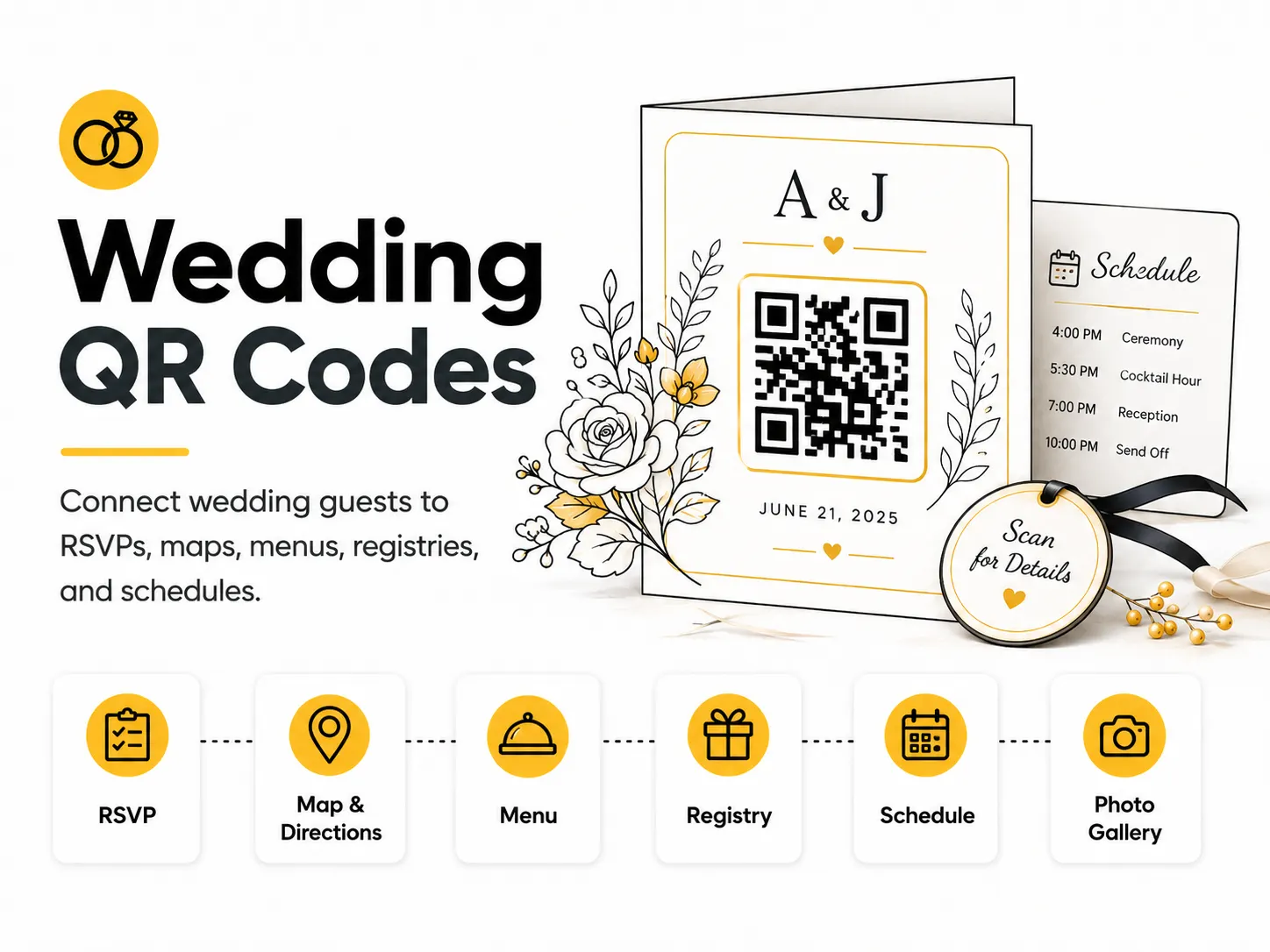
Wedding QR codes make it easier for guests to find important details without crowding the invitation or signage. They are especially helpful for RSVPs, venue directions, menus, registries, and photo upload links.
Quick answer
Use the free QR code generator for wedding qr codes
Guests need RSVP, directions, schedule, registry, menu, photo upload, or accommodation details without crowding invitations and signs.
Use a wedding website, RSVP form, map link, registry page, photo album, or schedule page.
Topic path
Events and weddings
Wedding QR Codes belongs to the events and weddings path because the code is usually scanned from invitations and cards: 25-50 cm. welcome signs: 1-2 m. Use this cluster when timing, crowd flow, venue placement, and day-of reliability are the main risks. For this placement, read How to Test a QR Code Before Printing and Best QR Code Size for Print, then check wedding qr codes with QR Code Size Calculator or QR Code Test Checklist.
Best QR content
Use a wedding website, RSVP form, map link, registry page, photo album, or schedule page.
Best placement
Use invitations, save-the-dates, welcome signs, table cards, hotel bags, programs, and reception signage.
Expected scan distance
Invitations and cards: 25-50 cm. Welcome signs: 1-2 m.
Recommended generator setting
Choose Website URL for wedding websites, RSVP forms, registries, maps, and photo upload links.
Open with Website URLPractical examples
Print, contrast, and material risks
- Decorative colors can reduce contrast.
- RSVP links can change after invitations go out.
- Older guests may need a typed URL alternative.
CTA text that fits this use case
- RSVP online
- Scan for schedule
- Open venue map
- View registry
- Upload photos
- See menu
Destination page checklist
- Date, venue, schedule, RSVP deadline, map, accommodation notes, and contact details for questions.
Before publishing
- Scan a printed invitation proof.
- Check RSVP form on mobile.
- Verify map destination.
- Ask a non-technical guest to test.
Static QR fit, privacy, and measurement
Static is fine when pointing to a wedding website you control. Avoid direct links to forms that may be replaced.
Wedding pages may include personal names, locations, and schedules. Use privacy settings appropriate for the guest list.
Measurement is usually less important than reliability; if used, keep UTM parameters simple and non-personal.
Print or screen specs
- Keep the QR code simple despite decorative stationery.
- Use a larger code on welcome signs.
- Avoid metallic foil behind modules.
Accessibility note
Print a short URL and key details for guests who do not scan QR codes.
How to create this QR code
- 1Open the free QR code generator and choose Website URL.
- 2Choose Website URL for wedding websites, RSVP forms, registries, maps, and photo upload links.
- 3Customize the foreground color, background color, size, margin, and error correction level if needed.
- 4Download the QR code as PNG or SVG.
- 5Scan the finished QR code on a phone before using it in print or sharing it publicly.
Best practices
- Use one clear destination per QR code.
- Make the linked page friendly for older guests.
- Print a test invitation before ordering a full batch.
Common mistakes
- Changing the RSVP link after invitations are mailed.
- Using decorative colors with poor contrast.
- Making guests scan multiple codes for basic details.
Ready to make one?
When your destination is ready, open the generator, choose Website URL, and test the finished code before using it in public.
Frequently Asked Questions
What should a wedding QR code link to?
Common destinations are RSVP forms, wedding websites, maps, registries, schedules, menus, and photo upload pages.
Can I use a decorative wedding QR code?
Yes, but test the printed proof. Contrast and quiet zone matter more than decoration.
How do I create wedding qr codes?
Open the free QR code generator, choose Website URL, enter your wedding website, RSVP form, map, menu, or registry link, customize the design if needed, then download the QR code as PNG or SVG.
What should a wedding qr code link to?
Use the destination that matches the scan moment. Good options include place an rsvp qr code on invitations, add a schedule qr code to welcome bags, link reception signs to the menu or photo album.
Is this wedding qr code maker free?
Yes. QR For Everyone is a free QR code maker for static QR codes, including wedding qr codes, with PNG, SVG, WEBP, and JPG export options.
Can I use wedding qr codes for business?
Yes. QR For Everyone can be used for personal, nonprofit, educational, and business projects. You are responsible for the content and links you encode.
Can I edit the QR code after printing?
This tool currently creates static QR codes. A static QR code cannot be edited after printing, so use a destination URL you control if the content may change later.