
QR use case
Free Business Card QR Code Generator
A business card QR code gives a small printed card a much bigger job. People can scan to save your contact details, open your portfolio, book a call, or visit your website.
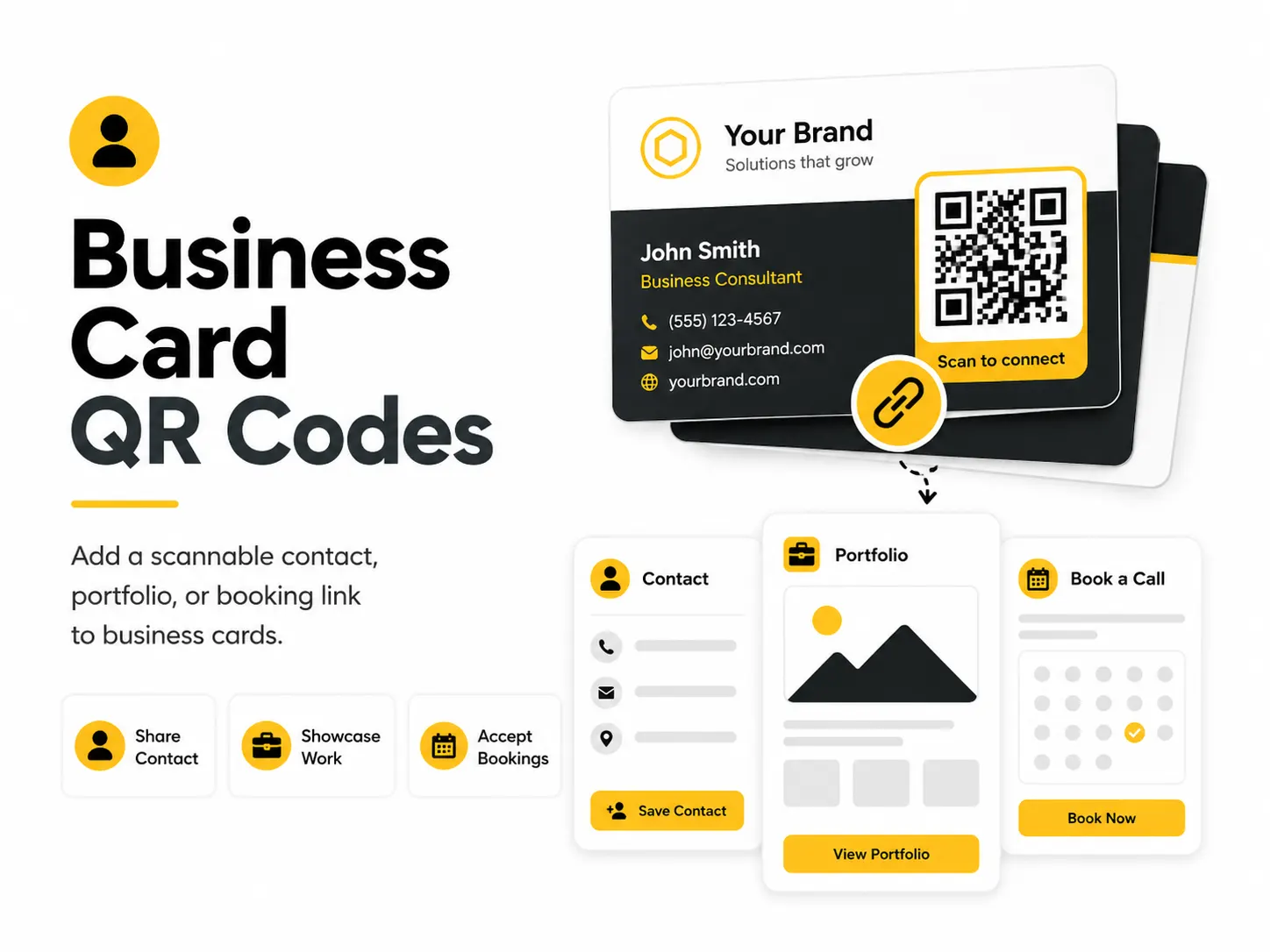
Quick answer
Use the free QR code generator for business card qr codes
Someone receives a small card and needs to save contact details, view a portfolio, or book a call later.
Choose either vCard contact details for saving a contact, or a profile URL when you want a page you can update.
Topic path
Printing, size and contrast
Business Card QR Codes belongs to the printing, size and contrast path because the code is usually scanned from close handheld scanning: about 20-40 cm. Use this cluster before ordering business cards, flyers, posters, stickers, packaging, menus, or signs. For this placement, read Best QR Code Size for Print and QR Code Design Best Practices, then check business card qr codes with QR Code Size Calculator or QR Code Contrast Checker.
Best QR content
Choose either vCard contact details for saving a contact, or a profile URL when you want a page you can update.
Best placement
Place on the back of the card or a clean corner with enough quiet zone and a written label.
Expected scan distance
Close handheld scanning: about 20-40 cm.
Recommended generator setting
Choose vCard Contact for saved contacts or Website URL for a profile or booking page.
Open with vCard ContactPractical examples
Print, contrast, and material risks
- Small modules blur on textured stock.
- Too much vCard data makes a dense code.
- Low-contrast brand colors fail at card size.
CTA text that fits this use case
- Save my contact
- View portfolio
- Book a call
- Scan for links
- Open my profile
Destination page checklist
- Current role and contact method.
- Portfolio or booking link if promised.
- Mobile-friendly layout.
- No private contact data unless intended.
Before publishing
- Scan a physical proof at final size.
- Check contact save behavior.
- Confirm all details are intended for public sharing.
- Test after print finish is applied.
Static QR fit, privacy, and measurement
Static vCard works for stable public details. A static profile URL is better when your job title, calendar, or portfolio may change.
A vCard QR exposes the encoded phone, email, company, and address to anyone with the card. Use a profile URL if contact details need to change or stay limited.
Use a profile URL with UTM parameters if you want to measure scans from business cards.
Print or screen specs
- Use SVG in print layouts.
- Keep error correction at medium or higher.
- Avoid placing the code near trim edges.
Accessibility note
Include key contact text on the card, not only inside the QR code.
How to create this QR code
- 1Open the free QR code generator and choose vCard Contact.
- 2Choose vCard Contact for saved contacts or Website URL for a profile or booking page.
- 3Customize the foreground color, background color, size, margin, and error correction level if needed.
- 4Download the QR code as PNG or SVG.
- 5Scan the finished QR code on a phone before using it in print or sharing it publicly.
Best practices
- Leave quiet space around the QR code.
- Use a simple black code on a light background.
- Test a printed proof at actual card size.
Common mistakes
- Placing the code too close to the card edge.
- Using low contrast colors.
- Trying to encode too much information in a tiny code.
Ready to make one?
When your destination is ready, open the generator, choose vCard Contact, and test the finished code before using it in public.
Frequently Asked Questions
Should a business card QR be vCard or website?
Use vCard when saving contact details is the main action. Use a website or profile URL when you want an updatable destination.
How small can a business card QR code be?
Keep it large enough to scan on a printed proof and preserve the quiet zone; dense vCards need more space.
How do I create business card qr codes?
Open the free QR code generator, choose vCard Contact, enter the contact details or profile link you want people to save, customize the design if needed, then download the QR code as PNG or SVG.
What should a business card qr code link to?
Use the destination that matches the scan moment. Good options include add a vcard qr code to a printed card, link a freelancer card to a portfolio, send prospects to a booking page.
Is this business card qr code maker free?
Yes. QR For Everyone is a free QR code maker for static QR codes, including business card qr codes, with PNG, SVG, WEBP, and JPG export options.
Can I use business card qr codes for business?
Yes. QR For Everyone can be used for personal, nonprofit, educational, and business projects. You are responsible for the content and links you encode.
Can I edit the QR code after printing?
This tool currently creates static QR codes. A static QR code cannot be edited after printing, so use a destination URL you control if the content may change later.