
QR use case
Free Nonprofit Donation QR Code Generator
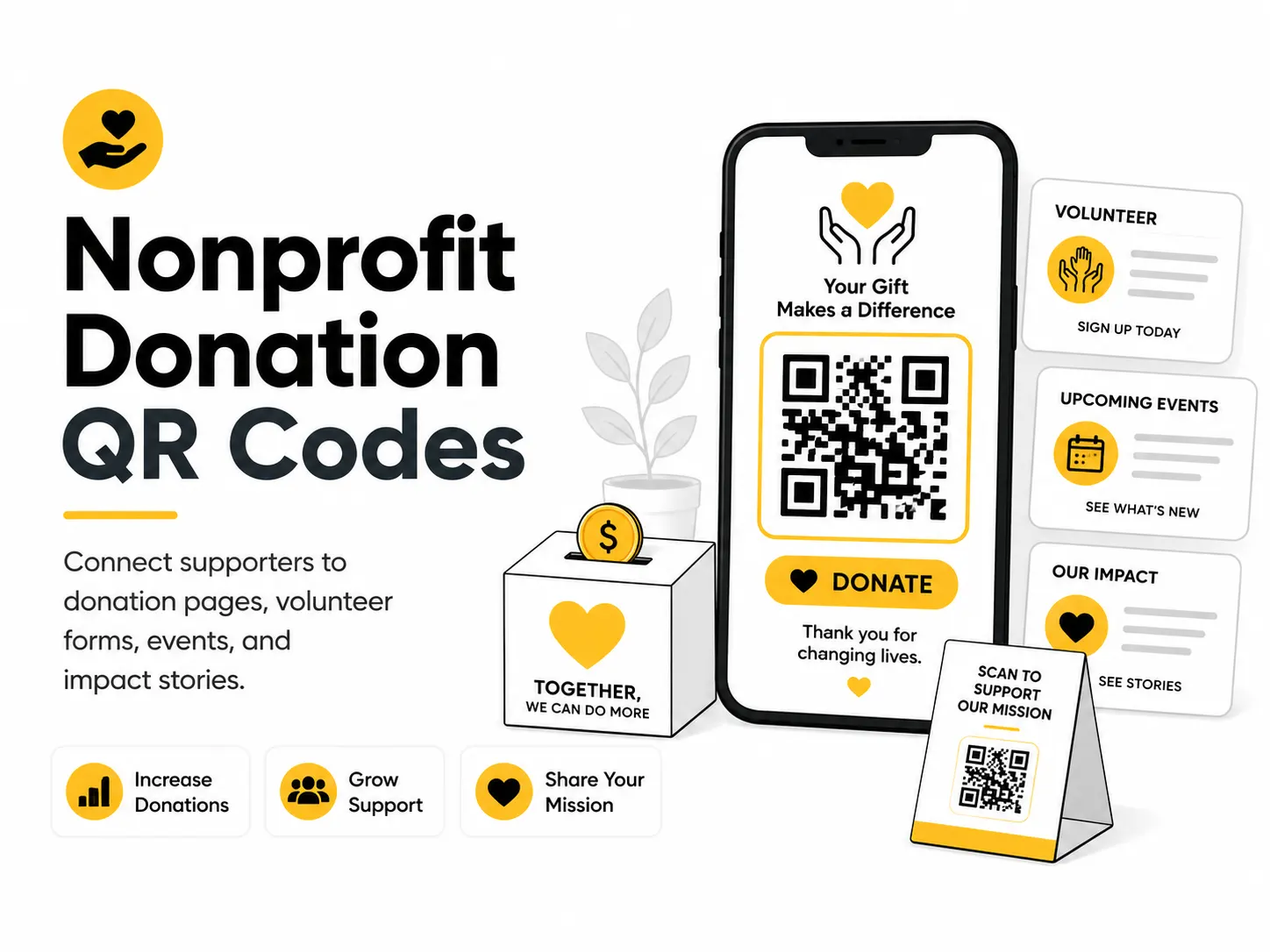
A nonprofit donation QR code gives supporters a quick path from a physical moment to a digital action. It can support fundraising events, direct mail, posters, volunteer drives, and campaign signage.
Quick answer
Use the free QR code generator for nonprofit donation qr codes
A supporter at an event, mail piece, poster, table, or campaign wants a trusted path to donate, volunteer, or read impact details.
Use a secure donation page, campaign page, volunteer signup, event page, or impact report.
Topic path
Business and marketing
Nonprofit Donation QR Codes belongs to the business and marketing path because the code is usually scanned from cards and tables: 25-70 cm. posters and displays: 1-2 m. Use this cluster when scan attribution, campaign labels, or customer handoff matters. For this placement, read How to Use QR Codes for Small Business and How to Create a QR Code for a Link, then check nonprofit donation qr codes with UTM Link Builder or QR Code Test Checklist.
Best QR content
Use a secure donation page, campaign page, volunteer signup, event page, or impact report.
Best placement
Use event tables, direct mail, posters, pledge cards, programs, booth signs, and campaign displays.
Expected scan distance
Cards and tables: 25-70 cm. Posters and displays: 1-2 m.
Recommended generator setting
Choose Payment Link URL for donation/payment links or Website URL for campaign pages.
Open with Payment Link URLPractical examples
Print, contrast, and material risks
- Unfamiliar payment pages reduce trust.
- Tiny codes slow giving moments.
- Campaign claims need accuracy.
CTA text that fits this use case
- Donate securely
- Support this campaign
- Volunteer here
- Read impact report
- Give monthly
Destination page checklist
- Organization identity.
- Secure payment context.
- Campaign purpose.
- Donation amounts.
- Contact/trust details.
Before publishing
- Complete a test donation where appropriate.
- Check mobile payment flow.
- Verify campaign claims.
- Scan event signage.
Static QR fit, privacy, and measurement
Static works for stable donation/campaign URLs. Use a page you control if campaigns rotate.
Donation pages collect sensitive payment and personal data. Use trusted processors and clear organization branding.
Use campaign URLs supported by your donation platform or analytics, avoiding personal data in the URL.
Donation, tax, and impact claims should be reviewed by the nonprofit before printing.
Print or screen specs
- Do not disguise payment links.
- Place code near trust text.
- Use high contrast at event tables.
Accessibility note
Provide a typed donation URL and staff assistance at events.
How to create this QR code
- 1Open the free QR code generator and choose Payment Link URL.
- 2Choose Payment Link URL for donation/payment links or Website URL for campaign pages.
- 3Customize the foreground color, background color, size, margin, and error correction level if needed.
- 4Download the QR code as PNG or SVG.
- 5Scan the finished QR code on a phone before using it in print or sharing it publicly.
Best practices
- Use a secure donation page with clear nonprofit branding.
- Explain what donations support near the code.
- Test the full payment or form flow before printing.
Common mistakes
- Using an unfamiliar payment page without context.
- Making donors pinch and zoom on mobile.
- Printing a code before the campaign page is ready.
Ready to make one?
When your destination is ready, open the generator, choose Payment Link URL, and test the finished code before using it in public.
Frequently Asked Questions
Is a QR code safe for donations?
It can be, when it opens a clearly branded secure donation page and the printed material identifies the organization.
Can I use a payment link QR code?
Yes, but test the full payment flow and avoid confusing it with ads or unrelated buttons.
How do I create nonprofit donation qr codes?
Open the free QR code generator, choose Payment Link URL, enter a secure donation, campaign, volunteer, or giving page URL, customize the design if needed, then download the QR code as PNG or SVG.
What should a nonprofit donation qr code link to?
Use the destination that matches the scan moment. Good options include place a donation qr code at an event table, add a giving link to a direct mail piece, send volunteers to a signup form.
Is this nonprofit donation qr code maker free?
Yes. QR For Everyone is a free QR code maker for static QR codes, including nonprofit donation qr codes, with PNG, SVG, WEBP, and JPG export options.
Can I use nonprofit donation qr codes for business?
Yes. QR For Everyone can be used for personal, nonprofit, educational, and business projects. You are responsible for the content and links you encode.
Can I edit the QR code after printing?
This tool currently creates static QR codes. A static QR code cannot be edited after printing, so use a destination URL you control if the content may change later.