
QR use case
Free Website QR Code Generator
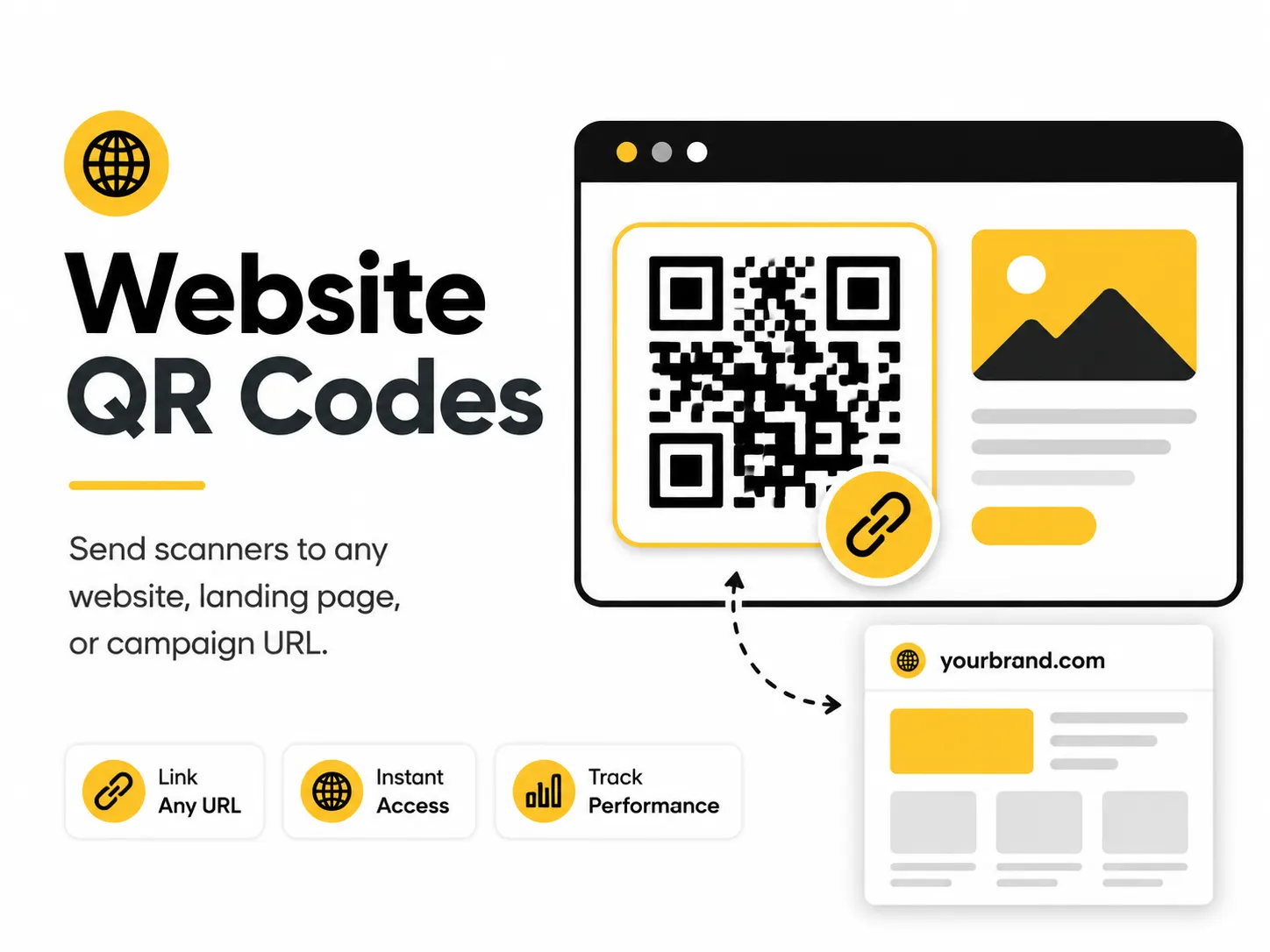
A website QR code makes a link instantly accessible from print, packaging, signage, email, and in-person materials. It is one of the most flexible QR code use cases because the destination can be almost any public web page.
Quick answer
Use the free QR code generator for website qr codes
A visitor sees a printed sign, card, label, or slide and needs to open one exact web page without typing a URL.
Use a public HTTPS landing page, campaign URL, product page, form, portfolio, or support page that matches the printed promise.
Topic path
QR creation and formats
Website QR Codes belongs to the qr creation and formats path because the code is usually scanned from handheld materials: about 30-60 cm. wall signs or slides: plan from 1-3 m and size the code accordingly. Start here when the main question is what the QR code should encode and whether a static code is enough. For this placement, read What Is a QR Code? and Static vs Dynamic QR Codes, then check website qr codes with Bulk QR Code Generator.
Best QR content
Use a public HTTPS landing page, campaign URL, product page, form, portfolio, or support page that matches the printed promise.
Best placement
Works on storefront signs, brochures, packaging inserts, presentation slides, receipts, and email footers where the surrounding text can explain the destination.
Expected scan distance
Handheld materials: about 30-60 cm. Wall signs or slides: plan from 1-3 m and size the code accordingly.
Recommended generator setting
Choose Website URL and paste the full HTTPS URL.
Open with Website URLPractical examples
Print, contrast, and material risks
- Long URLs create denser codes.
- Glare on signs can hide modules.
- A generic homepage often disappoints scanners.
CTA text that fits this use case
- Scan for details
- Open the product page
- Scan to register
- View the offer
- Open the mobile guide
Destination page checklist
- Clear page title matching the CTA.
- Fast mobile load.
- Primary action visible without zooming.
- No login wall unless clearly promised.
Before publishing
- Open the URL in a private browser.
- Scan from final size.
- Check redirects on mobile.
- Confirm analytics tags do not make the QR too dense.
Static QR fit, privacy, and measurement
Static works well when the URL is stable or points to a page you control. Avoid static direct links to temporary files or expiring campaigns.
Do not encode private preview links, tokenized URLs, or personal data in query strings.
Use a UTM URL on a page you control to separate scans from flyers, signs, packaging, and events.
Print or screen specs
- Use SVG for print.
- Use the UTM builder before generation when attribution matters.
- Keep a clear quiet zone around the code.
Accessibility note
Print a readable short URL near important website QR codes so people can type the destination if scanning fails.
How to create this QR code
- 1Open the free QR code generator and choose Website URL.
- 2Choose Website URL and paste the full HTTPS URL.
- 3Customize the foreground color, background color, size, margin, and error correction level if needed.
- 4Download the QR code as PNG or SVG.
- 5Scan the finished QR code on a phone before using it in print or sharing it publicly.
Best practices
- Use a short, stable URL when possible.
- Send people to a mobile-friendly page.
- Test the QR code on more than one phone before printing.
Common mistakes
- Using a temporary URL that may disappear.
- Printing too small for the viewing distance.
- Forgetting that a static QR code cannot be edited after printing.
Ready to make one?
When your destination is ready, open the generator, choose Website URL, and test the finished code before using it in public.
Frequently Asked Questions
Should a website QR code open my homepage?
Only if the homepage is the most useful destination. For campaigns, product help, bookings, or forms, link to the exact page instead.
Can I track a website QR code?
The static QR code does not track scans, but a UTM URL can help your destination analytics identify QR traffic.
How do I create website qr codes?
Open the free QR code generator, choose Website URL, enter the full website URL, including https://, customize the design if needed, then download the QR code as PNG or SVG.
What should a website qr code link to?
Use the destination that matches the scan moment. Good options include link a poster to a launch page, add a qr code to a storefront sign, send brochure readers to a product page.
Is this website qr code maker free?
Yes. QR For Everyone is a free QR code maker for static QR codes, including website qr codes, with PNG, SVG, WEBP, and JPG export options.
Can I use website qr codes for business?
Yes. QR For Everyone can be used for personal, nonprofit, educational, and business projects. You are responsible for the content and links you encode.
Can I edit the QR code after printing?
This tool currently creates static QR codes. A static QR code cannot be edited after printing, so use a destination URL you control if the content may change later.