
QR use case
Free Real Estate QR Code Generator
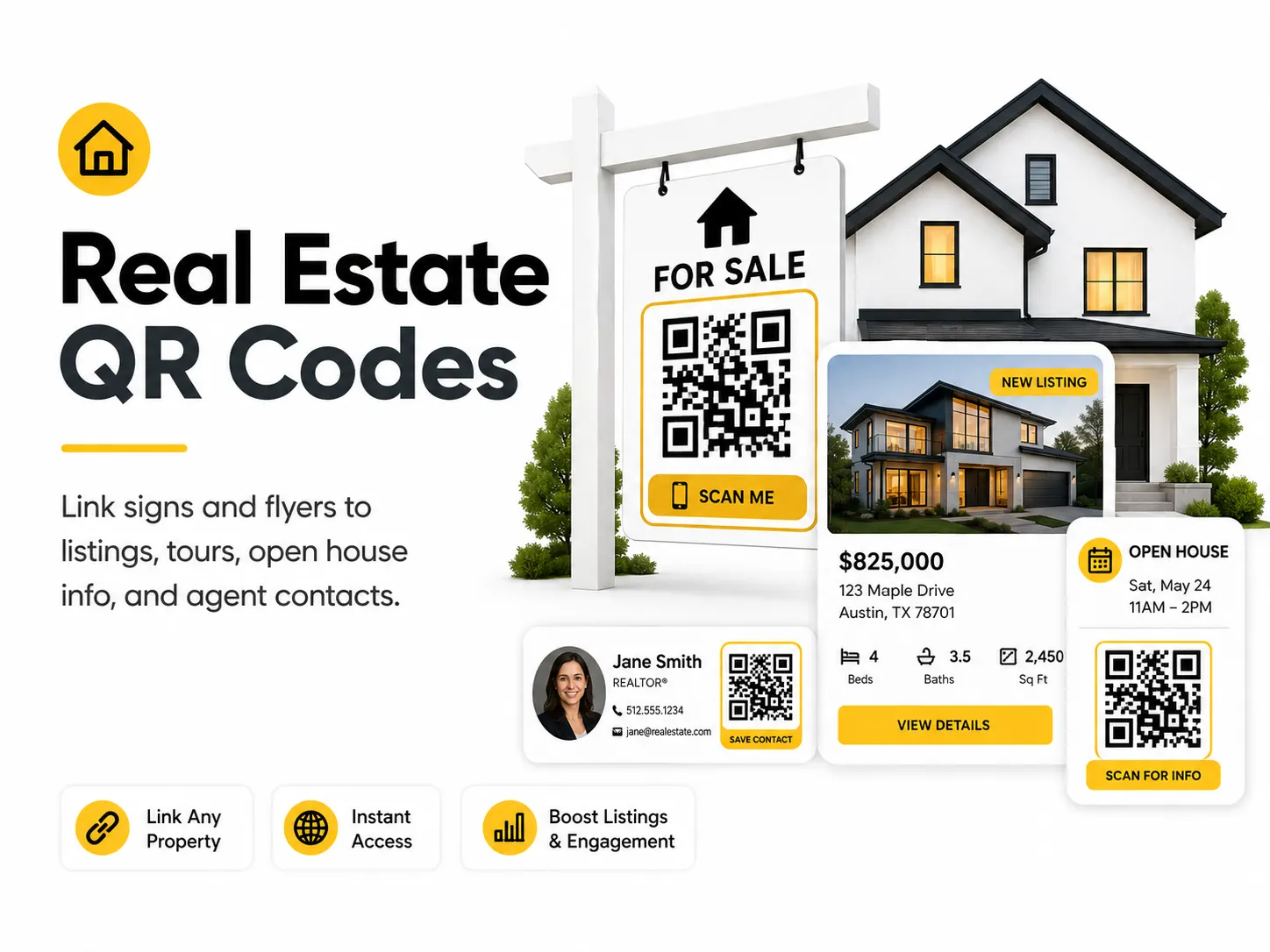
Real estate QR codes turn offline interest into online action. A passerby can scan a yard sign, window card, brochure, or open house sheet and immediately view listing details.
Quick answer
Use the free QR code generator for real estate qr codes
A passerby, open-house visitor, or brochure reader wants current listing details, photos, price, booking, or agent contact information.
Use a current listing URL, virtual tour, open-house booking page, property brochure, or agent contact page.
Topic path
Printing, size and contrast
Real Estate QR Codes belongs to the printing, size and contrast path because the code is usually scanned from brochures: 30-60 cm. yard signs/window cards: 1-4 m, often outdoors. Use this cluster before ordering business cards, flyers, posters, stickers, packaging, menus, or signs. For this placement, read Best QR Code Size for Print and QR Code Design Best Practices, then check real estate qr codes with QR Code Size Calculator or QR Code Contrast Checker.
Best QR content
Use a current listing URL, virtual tour, open-house booking page, property brochure, or agent contact page.
Best placement
Use yard signs, window cards, open-house sheets, brochures, direct mail, and rider signs.
Expected scan distance
Brochures: 30-60 cm. Yard signs/window cards: 1-4 m, often outdoors.
Recommended generator setting
Choose Website URL for listing, virtual tour, or lead-form pages.
Open with Website URLPractical examples
Print, contrast, and material risks
- Outdoor distance requires a large code.
- Sun glare and rain affect signs.
- Expired listings create poor leads.
CTA text that fits this use case
- Scan for listing
- View virtual tour
- Book a showing
- See floor plan
- Contact the agent
Destination page checklist
- Current price/status.
- Photos or tour.
- Address or area.
- Showing request.
- Agent contact.
Before publishing
- Scan from sidewalk distance.
- Check outdoor sign proof.
- Verify listing status.
- Test lead form on mobile.
Static QR fit, privacy, and measurement
Static works if the listing URL remains live through the campaign. For changing inventory, link to an agent-controlled page.
Do not encode private seller information or internal MLS/admin URLs. Use public listing pages or controlled lead forms.
Use separate UTM URLs for yard sign, window card, brochure, and direct mail placements.
Listing claims, availability, and property details should be reviewed by the responsible agent or brokerage.
Print or screen specs
- Use the size calculator for yard signs.
- Use high contrast on weather-resistant material.
- Place away from sign edges and stakes.
Accessibility note
Include a short property URL or agent phone number for people who cannot scan at distance.
How to create this QR code
- 1Open the free QR code generator and choose Website URL.
- 2Choose Website URL for listing, virtual tour, or lead-form pages.
- 3Customize the foreground color, background color, size, margin, and error correction level if needed.
- 4Download the QR code as PNG or SVG.
- 5Scan the finished QR code on a phone before using it in print or sharing it publicly.
Best practices
- Use a page with current price and availability.
- Track interest with a URL you control when possible.
- Make the QR code large enough for scanning from a short distance.
Common mistakes
- Linking to an expired listing.
- Using a code too small on outdoor signage.
- Sending mobile visitors to a slow desktop-only page.
Ready to make one?
When your destination is ready, open the generator, choose Website URL, and test the finished code before using it in public.
Frequently Asked Questions
Can a real estate QR code go on a yard sign?
Yes, but it must be large enough for outdoor distance and link to a current mobile listing page.
What if the property sells?
If the QR points to a URL you control, update that page with status or related listings. Otherwise reprint or remove the code.
How do I create real estate qr codes?
Open the free QR code generator, choose Website URL, enter a listing URL, virtual tour link, lead form, or agent contact page, customize the design if needed, then download the QR code as PNG or SVG.
What should a real estate qr code link to?
Use the destination that matches the scan moment. Good options include put a qr code on a yard sign for the listing page, link an open house handout to a virtual tour, share an agent vcard from a brochure.
Is this real estate qr code maker free?
Yes. QR For Everyone is a free QR code maker for static QR codes, including real estate qr codes, with PNG, SVG, WEBP, and JPG export options.
Can I use real estate qr codes for business?
Yes. QR For Everyone can be used for personal, nonprofit, educational, and business projects. You are responsible for the content and links you encode.
Can I edit the QR code after printing?
This tool currently creates static QR codes. A static QR code cannot be edited after printing, so use a destination URL you control if the content may change later.