
QR use case
Free App Download QR Code Generator
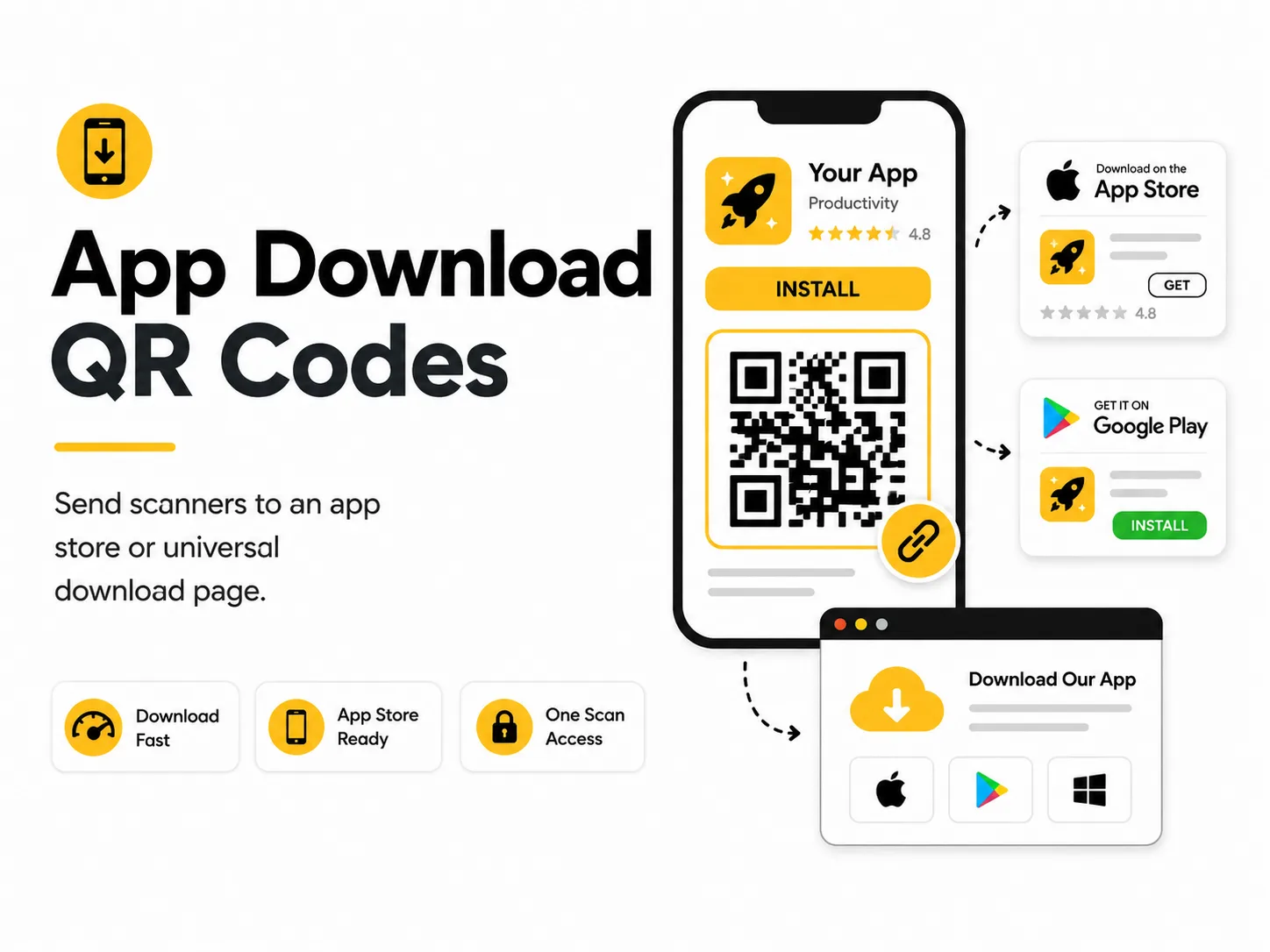
An app download QR code reduces friction when people discover your app from a poster, product, event booth, or receipt. A single scan can take them straight to the right download page.
Quick answer
Use the free QR code generator for app download qr codes
A user sees a product, poster, package, or event material and needs to install or open an app quickly.
Use an App Store, Google Play, or universal app landing page that detects platform or shows both store links.
Topic path
QR creation and formats
App Download QR Codes belongs to the qr creation and formats path because the code is usually scanned from cards and packaging: 25-60 cm. posters and booths: 1-3 m. Start here when the main question is what the QR code should encode and whether a static code is enough. For this placement, read What Is a QR Code? and Static vs Dynamic QR Codes, then check app download qr codes with Bulk QR Code Generator.
Best QR content
Use an App Store, Google Play, or universal app landing page that detects platform or shows both store links.
Best placement
Use packaging, product displays, event booths, onboarding cards, posters, direct mail, and manuals.
Expected scan distance
Cards and packaging: 25-60 cm. Posters and booths: 1-3 m.
Recommended generator setting
Choose App Store Link for a direct store or universal app URL.
Open with App Store LinkPractical examples
Print, contrast, and material risks
- Single-store links exclude some users.
- App availability varies by region.
- Long store URLs can make dense codes.
CTA text that fits this use case
- Download the app
- Install to get started
- Scan for iOS and Android
- Open setup app
- Get the companion app
Destination page checklist
- Store badges or platform choices.
- App name and publisher.
- Privacy/support links.
- Clear setup instructions.
Before publishing
- Scan on iPhone and Android.
- Check regional availability.
- Verify app publisher.
- Test from final printed size.
Static QR fit, privacy, and measurement
Static works for a stable universal landing page. Avoid direct store URLs if you may change app IDs, regions, or platforms.
App pages may involve platform accounts and app permissions. Make the app publisher clear before install.
Use app campaign links or a measured landing page if install attribution is needed.
Print or screen specs
- Use a landing page for cross-platform apps.
- Keep QR large on booths.
- Avoid placing near unrelated download buttons.
Accessibility note
Print the app name and store names in text.
How to create this QR code
- 1Open the free QR code generator and choose App Store Link.
- 2Choose App Store Link for a direct store or universal app URL.
- 3Customize the foreground color, background color, size, margin, and error correction level if needed.
- 4Download the QR code as PNG or SVG.
- 5Scan the finished QR code on a phone before using it in print or sharing it publicly.
Best practices
- Use a universal landing page if you support multiple platforms.
- Explain why people should download before they scan.
- Test links on both iOS and Android.
Common mistakes
- Sending Android users to an iOS-only page.
- Linking to a beta page that expires.
- Using a QR code before the app listing is live.
Ready to make one?
When your destination is ready, open the generator, choose App Store Link, and test the finished code before using it in public.
Frequently Asked Questions
Should I use one QR code for both iOS and Android?
Use one QR code to a universal landing page when you support multiple platforms.
Can I link directly to an app store?
Yes, but direct links are less flexible than a landing page you control.
How do I create app download qr codes?
Open the free QR code generator, choose App Store Link, enter an App Store, Google Play, or universal app landing page URL, customize the design if needed, then download the QR code as PNG or SVG.
What should a app download qr code link to?
Use the destination that matches the scan moment. Good options include add an app qr code to packaging, use a qr code on an event booth sign, print a download qr code on receipts.
Is this app download qr code maker free?
Yes. QR For Everyone is a free QR code maker for static QR codes, including app download qr codes, with PNG, SVG, WEBP, and JPG export options.
Can I use app download qr codes for business?
Yes. QR For Everyone can be used for personal, nonprofit, educational, and business projects. You are responsible for the content and links you encode.
Can I edit the QR code after printing?
This tool currently creates static QR codes. A static QR code cannot be edited after printing, so use a destination URL you control if the content may change later.